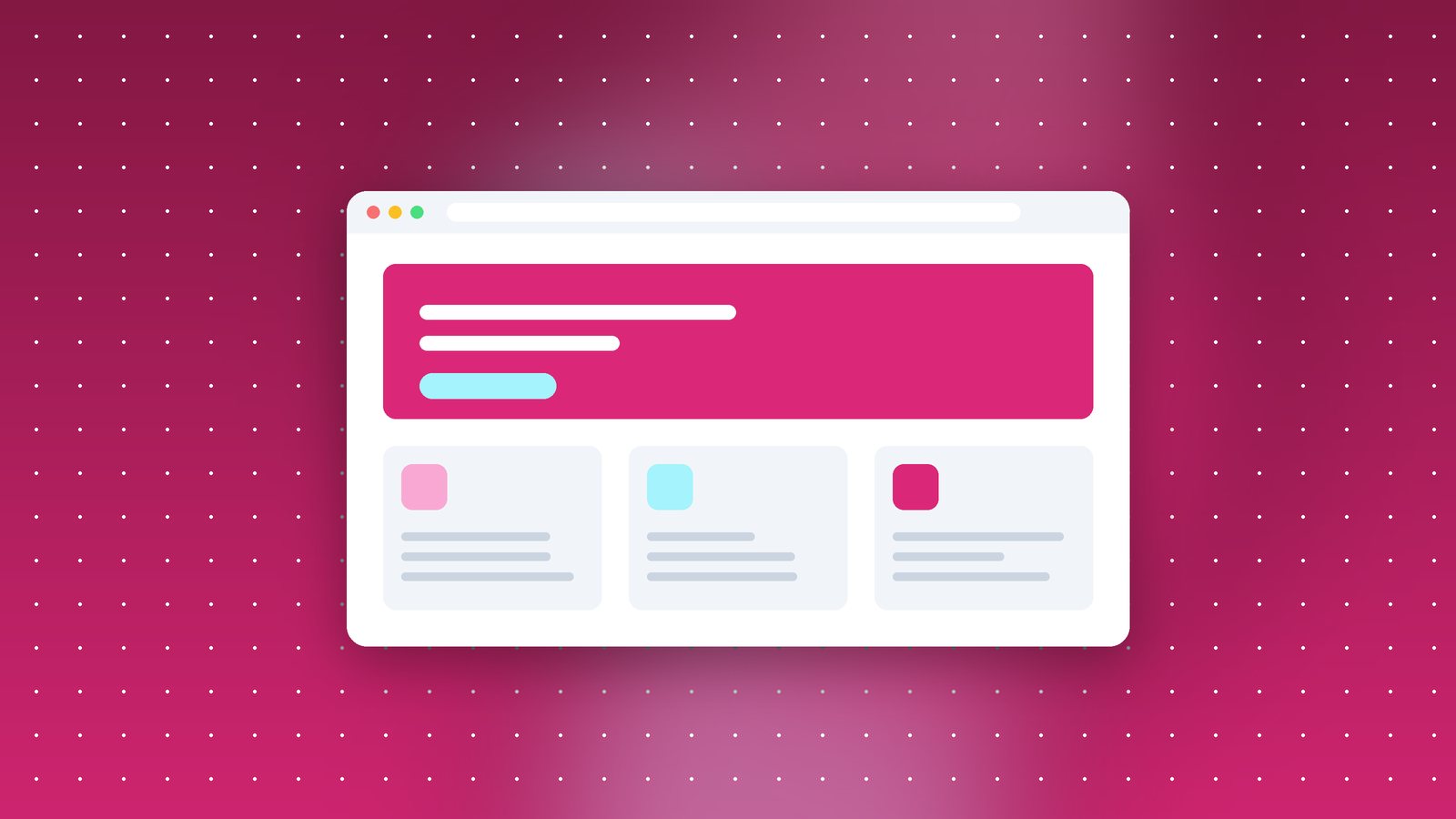
One reason people choose single-page app frameworks is that navigation feels smooth. Click a product card and the image glides into place on the product page, no white flash, no jump. With a normal multi-page website, every click means a full page load and an abrupt switch.
The View Transitions API changes that. It lets the browser animate between two states, including between two completely separate pages, with very little code.
What it does
When a page navigation happens, the browser takes a snapshot of the old page, loads the new one, and then animates between them. By default it's a simple cross-fade. With a bit of CSS you can make specific elements, like a product image or a heading, move smoothly from their old position to their new one.
For same-document changes (like filtering a list with JavaScript), you call document.startViewTransition(). For transitions between separate pages, which is the exciting part for normal websites, you just opt in with CSS:
@view-transition { navigation: auto; }
Add that to both pages and the browser cross-fades between them on navigation.
Browser support
Same-document transitions work in Chrome, Edge, Safari and recent Firefox. Cross-document transitions are supported in Chromium-based browsers and Safari, with Firefox catching up. The good news is that it's a progressive enhancement. Browsers that don't support it simply navigate normally. Nothing breaks.
What we built
On a recent real estate project, we used it in two places:
- Listing to property page. The property photo on the listing card morphs into the large hero image on the detail page. We gave both images the same
view-transition-name, based on the property ID. - Gallery filters. When filtering by location or price, cards fade and slide into their new positions instead of jumping.
The total code was around 30 lines of CSS and a few lines of JavaScript. The client said the site "felt like an app", which was exactly the point.
Things to watch out for
- Respect reduced motion. Some people get motion sickness from animations. Wrap your transitions in a
prefers-reduced-motionmedia query, and turn them off or make them subtle for those users. - Keep them short. 200 to 300 milliseconds feels responsive. Anything longer starts to feel slow.
- Unique names. Each
view-transition-namemust be unique on the page at the moment of the transition, otherwise the transition is skipped. - Don't hide slow pages. A nice transition won't make a slow server feel fast. Fix performance first.
Why this matters
For years the choice was: fast, simple multi-page site, or smooth but complex single-page app. Features like View Transitions, along with speculation rules for prefetching, are closing that gap. You can now build a straightforward server-rendered website, like most business sites should be, and still give it polished, modern interactions.
It's one of our favourite web platform additions in a while.